Want to retouch your photos to look just like Pam Dave Zaring’s amazingly bad family photos that have been going viral? Photoshop expert Antti Karppinen has just released a tutorial showing how you can achieve the exact same look in Photoshop.
In case you missed it the first time around, a woman named Pam Dave Zaring just sparked a huge viral sensation on the Internet after sharing what she claims are family photos delivered by a professional photographer Zaring had paid $250.
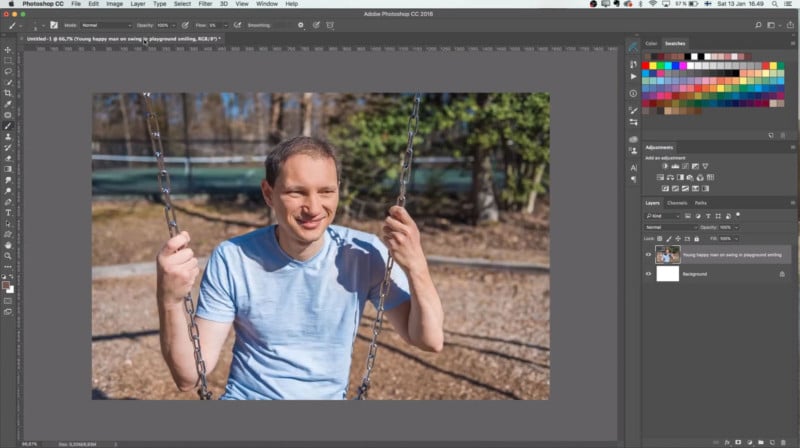
Karppinen studied the photos and broke down the steps you’ll need to take to correct harsh shadows in the same way. Here’s the photo he started with:
First, you’ll need to take a dark brush and bring more definition to the eyes, nose, and mouth by drawing them in over the original photo.

You then smooth out the subject’s skin by using the Mixer Brush Tool with the Wet setting at 50% and Sample All Layers checked.

Painting some more colors into the facial features and add some eyebrows, and you’re getting close to your final result.

The final step is to drop the Saturation of your photo and use Selective Color to cool down the tones.

Here’s a before-and-after comparison showing the effectiveness of this technique:

Watch the fantastic 11-minute tutorial video above for the full step-by-step guide on this retouching process. You can also find more of Karppinen’s work and tutorials on his YouTube channel, website, Facebook, and Instagram.
[Read More ...]
How to Photoshop Portraits in the Style of Pam Dave Zaring’s Family Photos was originally posted by proton T2a

No comments:
Post a Comment